What’s new

Learn about the latest product features and improvements.

  • Sep 17, 2026

    Set your workspace image

    Admins can now update the workspace image. Use your company's logo, and your team and the people you meet with will see it everywhere your workspace and company show up in Circleback.

    Go to Settings → General (under Workspace) to update the image.

  • Sep 16, 2026

    Single sign-on

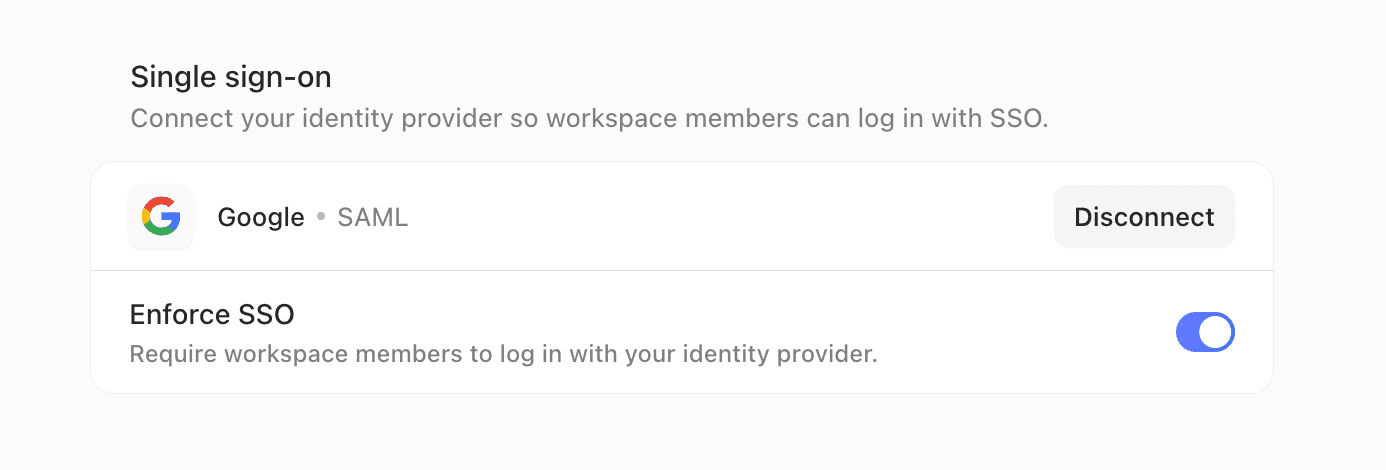
    You can now connect your identity provider to Circleback so workspace members can log in with SSO. Circleback supports SAML and OIDC, so it works with Okta, Google Workspace, Microsoft Entra ID, and any other provider that supports either standard.

    Once connected, workspace admins can enforce SSO, which disables every other way of logging in. Your identity provider decides who can access Circleback.

    Circleback also works with SCIM, so your identity provider can manage accounts for you. When someone joins your company, they get access to Circleback automatically. When they leave, they're deactivated in your workspace.

    Workspace admins can set up SSO from Settings → Workspace → General.

  • Sep 14, 2026

    Switch to invoice billing

    You can now pay for Circleback by invoice instead of automatic payments. At each renewal, we'll email you an invoice to pay within 30 days, rather than charging your payment method. This is useful if your company pays vendors through accounts payable.

    To switch, go to Settings → Billing, select ⋯ next to Payment method, and choose Switch to invoice billing. The change takes effect at the end of your current billing period.

    Once you're on invoice billing, you can add seats by invoice too.

  • Sep 9, 2026

    Import meetings with the API

    You can now import meetings into Circleback with the API. Send a meeting's name, date, attendees, notes, transcript, and who it's shared with. Imported meetings work like any other meeting. You can search them and ask questions about them.

    This is useful for bringing in past meetings from other tools, so your full history lives in one place.

  • Sep 8, 2026

    Switch between accounts

    You can now add multiple Circleback accounts and switch between them. If you use one account for work and another for personal meetings, or you belong to workspaces under different email addresses, you no longer have to sign out and log back in each time.

    Click your name or workspace name in the top-left → Switch account to add an account or switch between the accounts you've added.

  • Sep 1, 2026

    Enable HIPAA compliance for your workspace

    Admins can now enable HIPAA compliance for their workspace directly from settings.

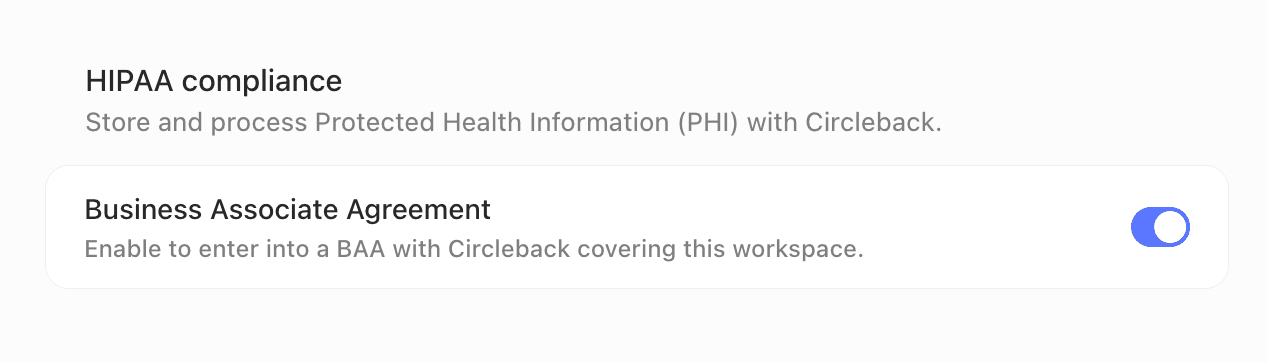
    Go to Settings → General (under Workspace), turn on Business Associate Agreement in the HIPAA compliance section, then review and accept the BAA. It takes effect as soon as it's accepted, so you can start using Circleback for conversations that involve protected health information (PHI) right away.

  • Aug 31, 2026

    New plans

    Today we're launching a new lineup of Circleback plans: Free, Pro, Business, and Enterprise.

    Circleback now starts free. Free includes AI notes and action items for unlimited online and in-person meetings, email viewing and drafting, limited automations, and API, MCP, and CLI access, with limited history. It isn't a trial. You can also try any plan for free when you sign up.

    Pro adds full meeting history, automations with all integrations, including Notion, HubSpot, Salesforce, Attio, webhooks, and many more apps, and custom AI insights. Business adds admin and member roles, default and enforceable workspace settings, custom data retention, and a usage dashboard. Enterprise adds security, billing, and support for large organizations.

    Every plan lets you create a workspace and add your team. See the pricing page for the full breakdown.

  • Aug 28, 2026

    Import meetings from other apps

    If you have meetings in another app, you can now bring them into Circleback. Your history comes with you.

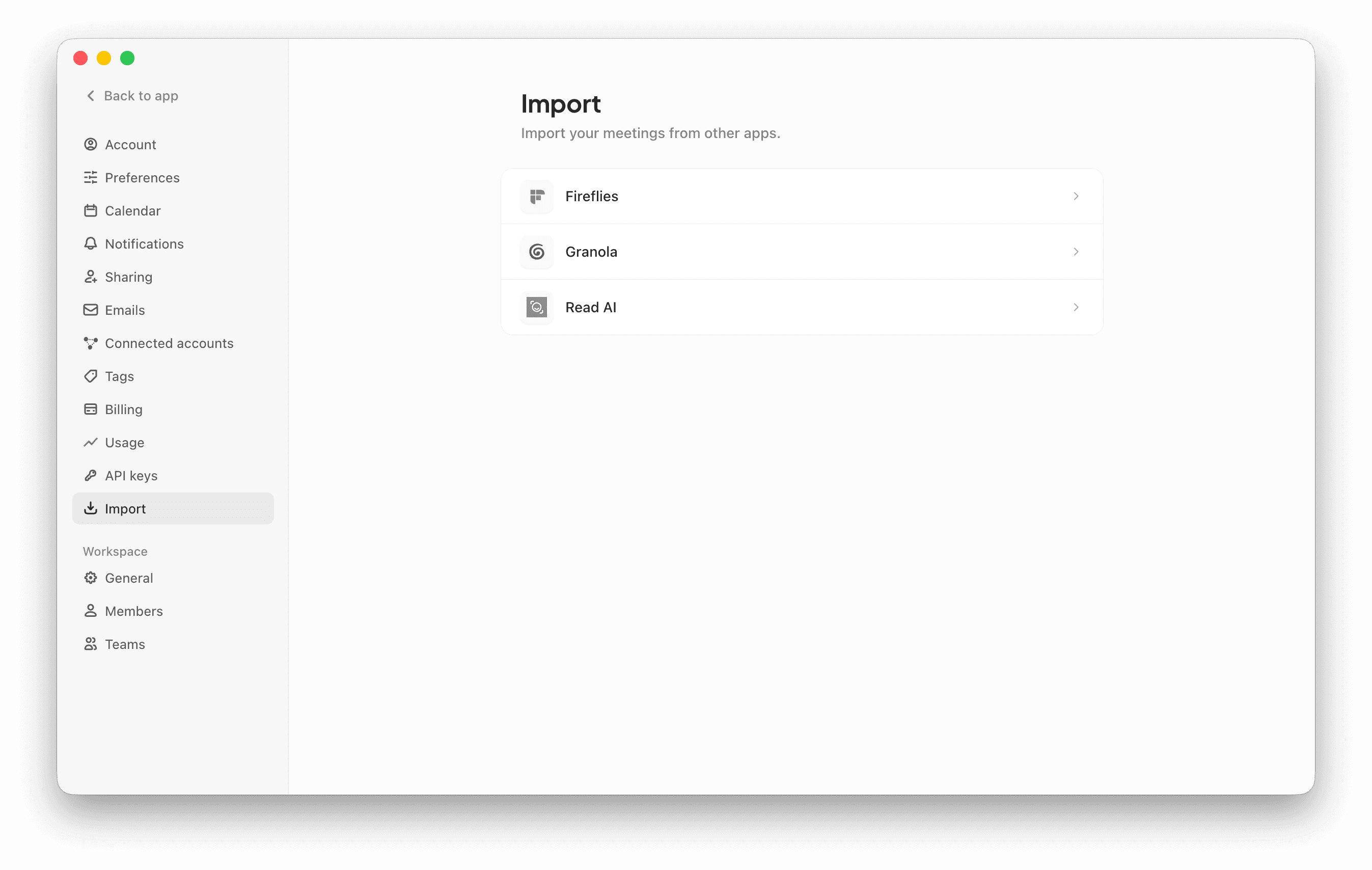
    Go to Settings → Import and connect the app you're switching from. You'll see the meetings before they're imported. Circleback brings over notes, transcripts, attendees, and recordings (if available). Imported meetings work like any other meeting in Circleback: you can search them, share them, and ask questions about them.

    If your team is moving together, each person can import their own meetings. They'll stay shared with the same people as before.

  • Aug 20, 2026

    Circleback API

    Today we're releasing the Circleback API. Everything Circleback captures from your meetings is now one request away: notes, action items, transcripts, recordings, people, companies, and more.

    Give your own AI agents context from your team's conversations: what was discussed with a customer, which action items are still open, what was decided on this morning's call. Or build internal tools, scripts, and dashboards on top of your meeting data.

    Create an API key from Settings → API keys, then explore the API docs and try every endpoint with your key.

  • Aug 10, 2026

    Request access to meetings

    You can now request access to a meeting that hasn't been shared with you. Open a link to one and you'll see an option to request access. Meeting owners get notified and can share the meeting with you.

    Meeting links get passed around in messages, documents, and emails. Before, if you followed one to a meeting you didn't have access to, you had to track down an owner and ask them directly. Now you can ask right from the meeting page.

  • Aug 3, 2026

    Do more with Circleback in Slack

    We've released several updates to our Slack integration: you can now ask about anything in a thread, preview shared meetings, and open Circleback from Slack's agent panel.

    Ask about a thread

    When you ask a question in a thread, Circleback now reads the earlier messages, including images. Answers include sources, so you can dig deeper.

    Preview shared meetings

    When you share a Circleback link in Slack, your team sees a preview of the meeting and gets the context at a glance. If someone in the channel doesn't have access, Circleback prompts you to share the meeting with them.

    Open Circleback from the agent panel

    You can now open Circleback from Slack's agent panel to ask questions and take action in your connected apps without leaving Slack.

    Update your Slack connection from Settings → Connected accounts, then mention @Circleback to get started.

  • Aug 3, 2026

    Person and company summaries

    Every person and company now has a summary, a high-level view of what's going on with them.

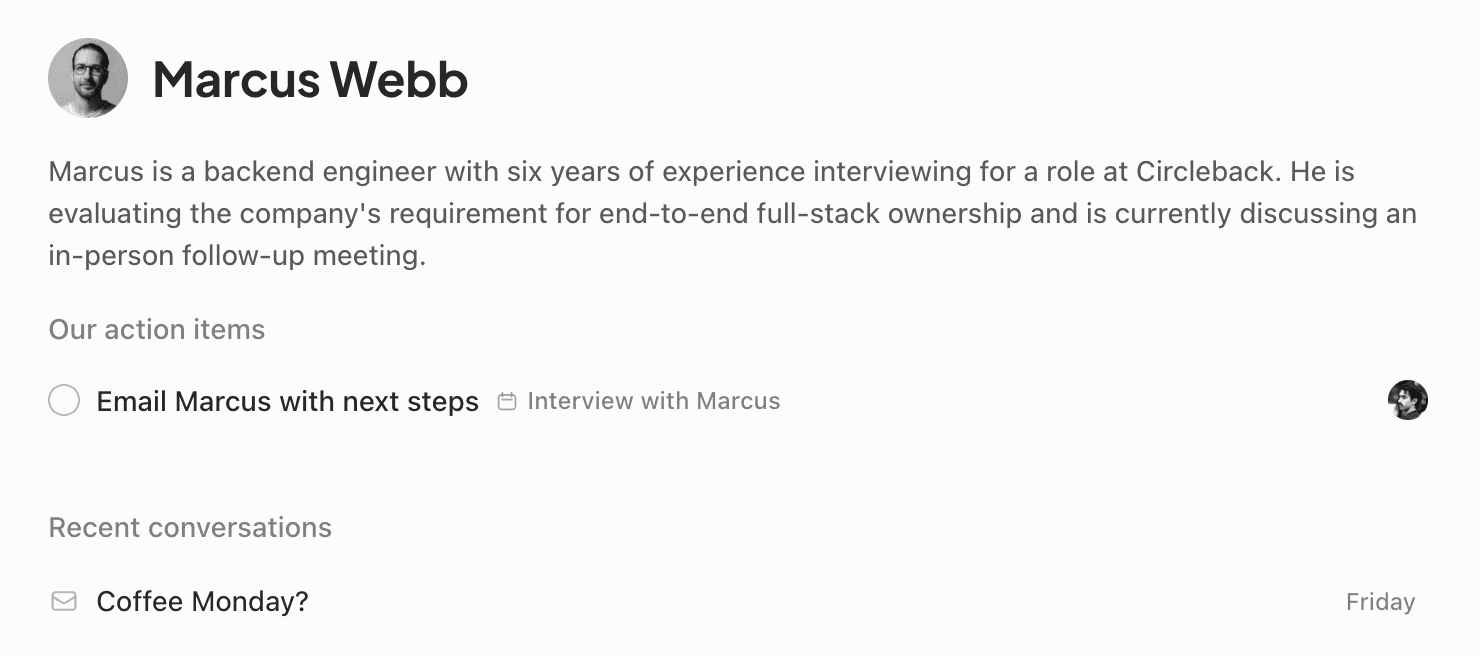
    Summaries draw on every meeting and email you have access to, not just your own. If a teammate met with a customer last week, that context shows up too. Open a person or company page and you'll see who they are, what's been discussed, and where things stand, so you can get up to speed before a call or pick up an account without asking around.

    Summaries stay current automatically as new conversations happen.

Be in the conversation, not in your notes.

Unlimited meetings on the free plan.